Security operations platform

Security you can prove.Patrols, visitors, attendance and client feedback. One system.

EKAMA proves every patrol with rotating QR codes, GPS and face-verified check-ins. It runs your gate's visitor passes, your rosters and leave, reaches every officer in seconds, and lets clients rate your service on real numbers.

  • Rotating QR codes
  • Fake-GPS detection
  • Face-verified attendance
  • Visitor QR passes
  • KPI-based client feedback
LIVE · Gate B · 22:14
Why EKAMA

A signed logbook proves nothing. A verified scan does.

Clients pay for patrols they never see. EKAMA turns every round into evidence both sides can check.

The old way Unverified

  • Paper logbooks filled in at the end of the shift
  • No way to know if a patrol really happened
  • Incidents reported by phone call, hours later
  • Attendance sheets anyone can sign
  • Clients see a monthly invoice, not the work

With EKAMA Verified

  • Every scan checked by rotating QR code and GPS position
  • Missed and late patrols flagged as they happen
  • Incidents in minutes, with voice notes and escalation
  • Face-verified check-in inside the site's GPS radius
  • A daily report at 07:00 in every client's inbox
Made for your operation

What does your operation need?

Pick what matters to you. EKAMA shows you exactly how it covers each one, from the gate to the client's inbox.

The platform

Everything your security operation runs on.

One admin panel for managers and clients. One Android app for officers, in English, Sinhala and Tamil.

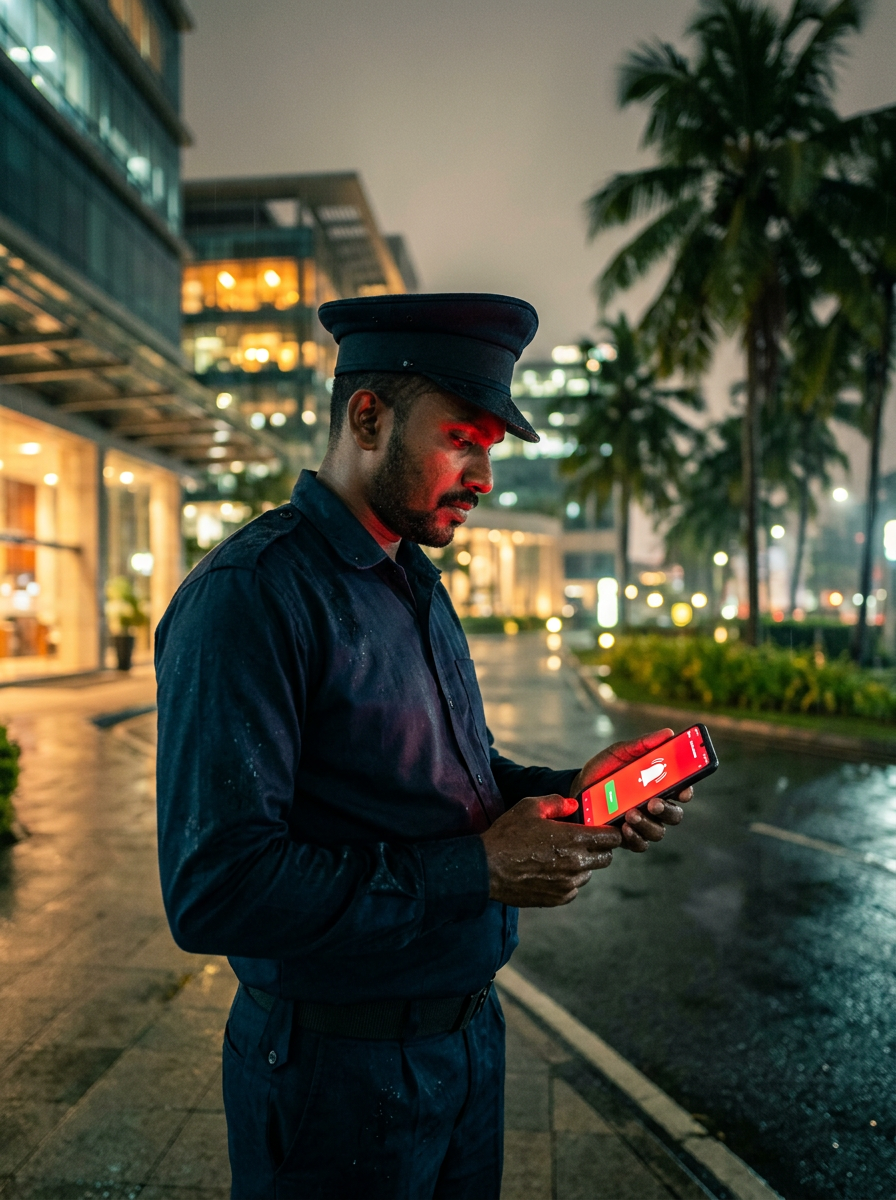
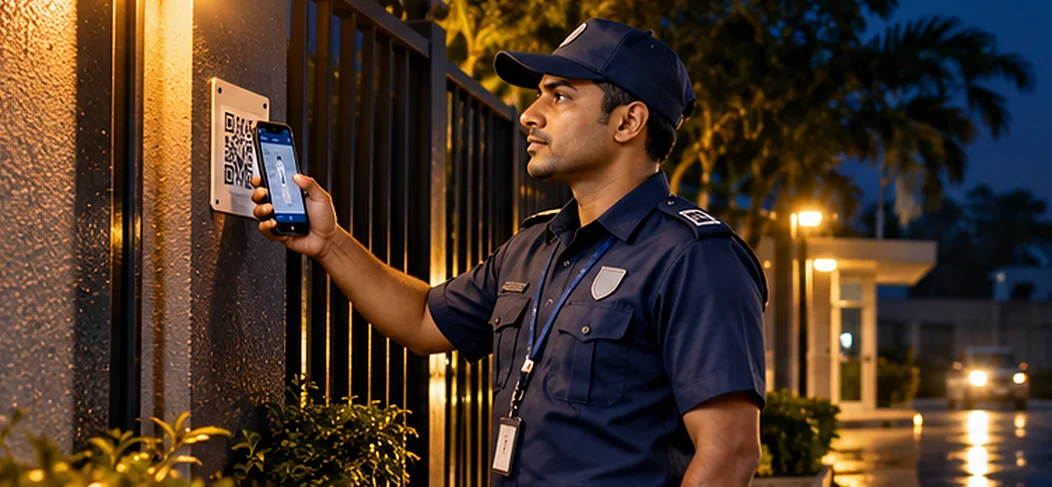
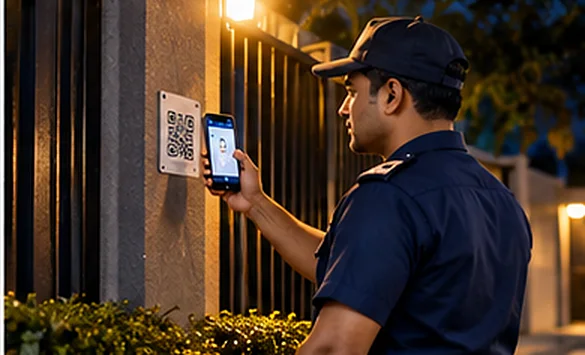
A security officer scans a QR checkpoint at a gate at night
Patrols

QR checkpoints that can't be faked

Codes change every 60 seconds, so a photo of yesterday's code won't scan. Every scan is checked against GPS; missed and late rounds are flagged.

Daily proof 07:00

Every client receives yesterday's patrols, visits and incidents before the working day starts, under your company's name.
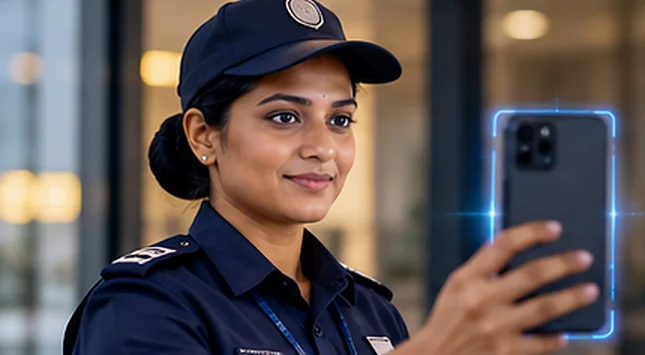
A female officer takes a selfie to check in for her shift
Face matched · inside site
Attendance

Face-verified check-in

A selfie that must match, accepted only inside the site's GPS radius.

A supervisor checks his phone beside his car
Visiting officers

Supervision you can see

Planned visit rounds, each visit proven by a scan at the site.
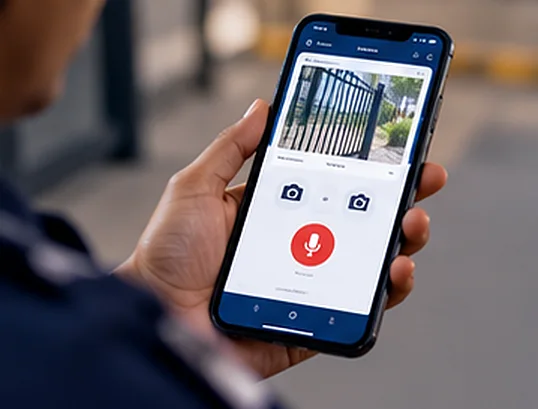
An officer records an incident voice note on the app
Phase 2 · escalating
Incidents

Reported in seconds

Voice note, photo and GPS. Alerts escalate until someone accepts.

Works offline 0 bars

No signal in the basement? Scans are saved on the phone and sent with their original time when the signal returns.

A client facility manager reads the morning report on her phone
For clients

Your report, your brand

Reports and alerts go out under the security company's own name. Each client sees only their own sites.
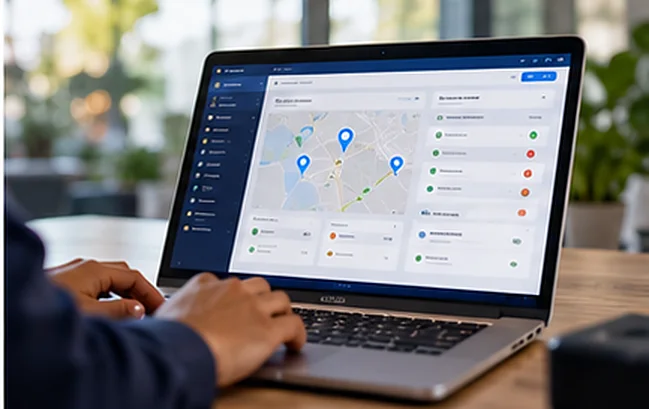
A manager reviews the live map on a laptop
Site score 87 · ▲ 2
Insight

Trends before complaints

Coverage, on-time patrols and response times per site, week by week, so problems show before clients notice.
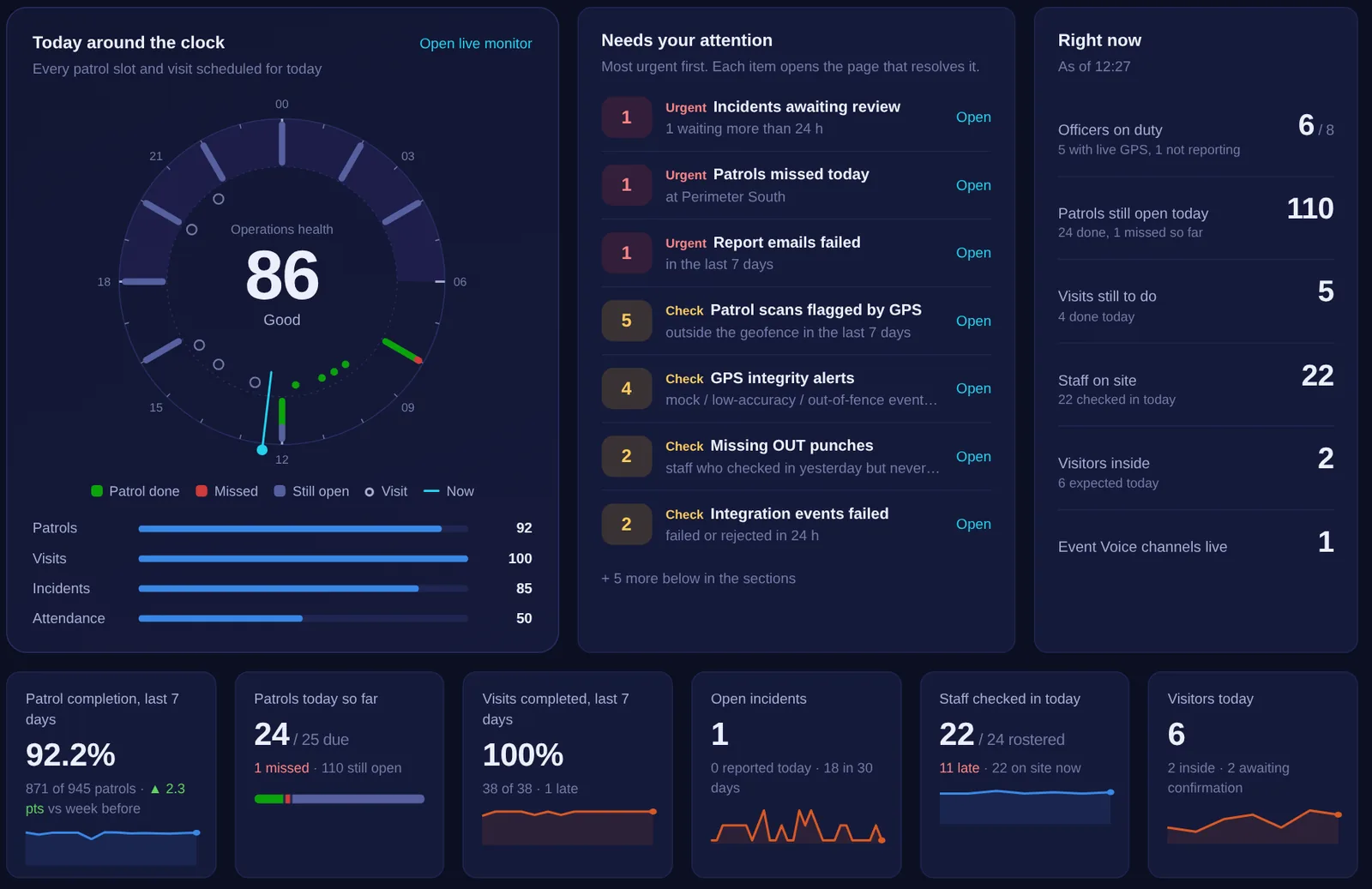
Inside the system

Real screens. Real operations.

ekama.lk / dashboard
Visitor management

Visitors, from invitation to exit.

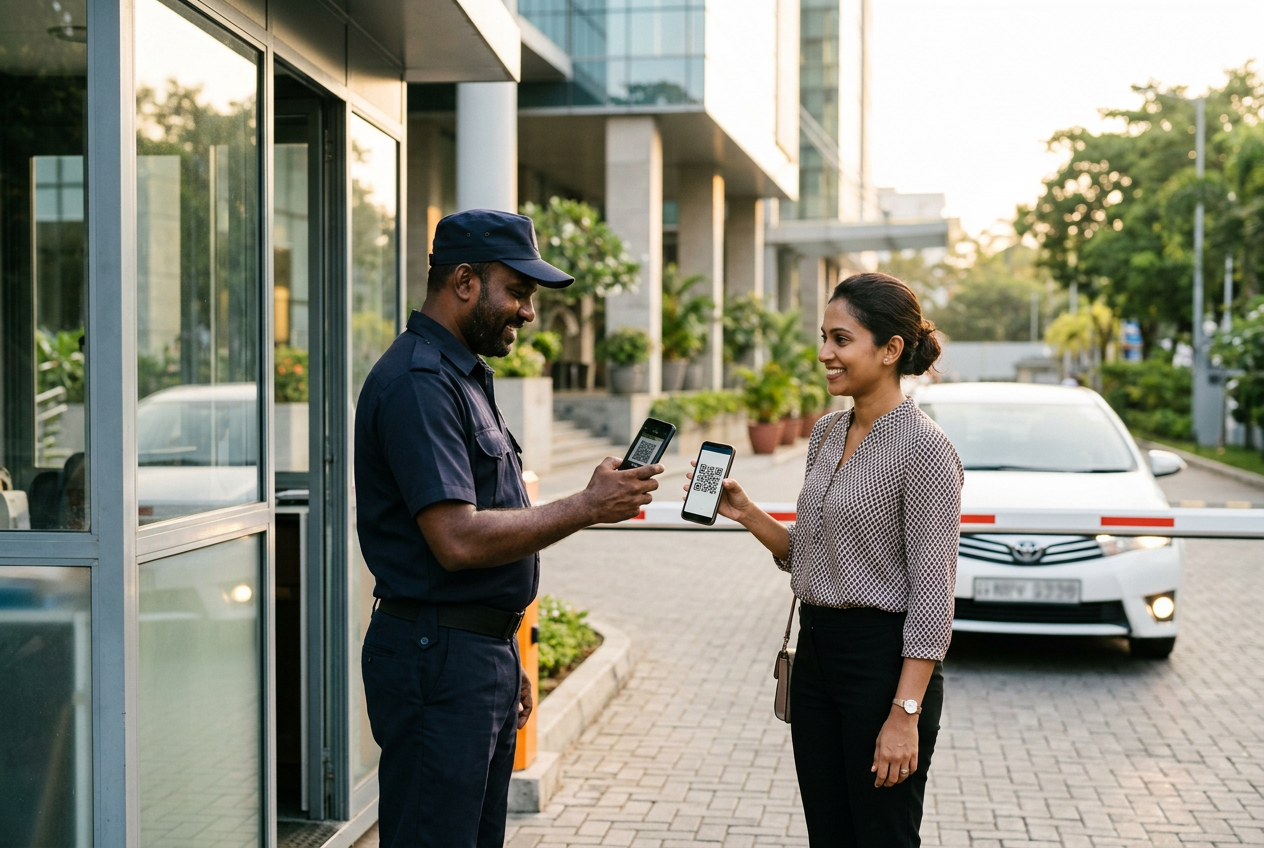
Register a visitor in seconds. They confirm by email, say how they will arrive and receive a QR pass. Your officer scans it at the gate, in and out, and the host is told at every step.

  • QR pass by email. No app or login for the visitor.
  • Vehicle check at the gate. The plate is matched with what the visitor sent.
  • A live gate board. On site now, expected, late, no-shows and overstays.
  • The host is told when the visitor confirms, arrives and leaves.
  • Search any visitor, phone, ID or vehicle for the full visit history.
  • Visitors rate their visit, and the rating reaches your client reports.
See it on your gate
  1. Register

    Reception or the host books the visit; returning visitors fill in from history.

  2. Confirm

    The visitor confirms from the invitation email. No login needed.

  3. Transport

    Own vehicle, taxi, rental, public transport or walking, with the plate when there is one.

  4. QR pass

    A live pass with a countdown and directions to the site.

  5. Gate scan

    The officer scans in and out on the app and checks the vehicle.

  6. Rate

    After checkout the visitor rates the visit in three quick questions.

Attendance & workforce

Attendance, rosters and leave, ready for payroll.

Everything under Attendance in the admin panel works together: who works for you, when they should work, whether they came, and what that means for leave and pay. Built around Sri Lankan rules.
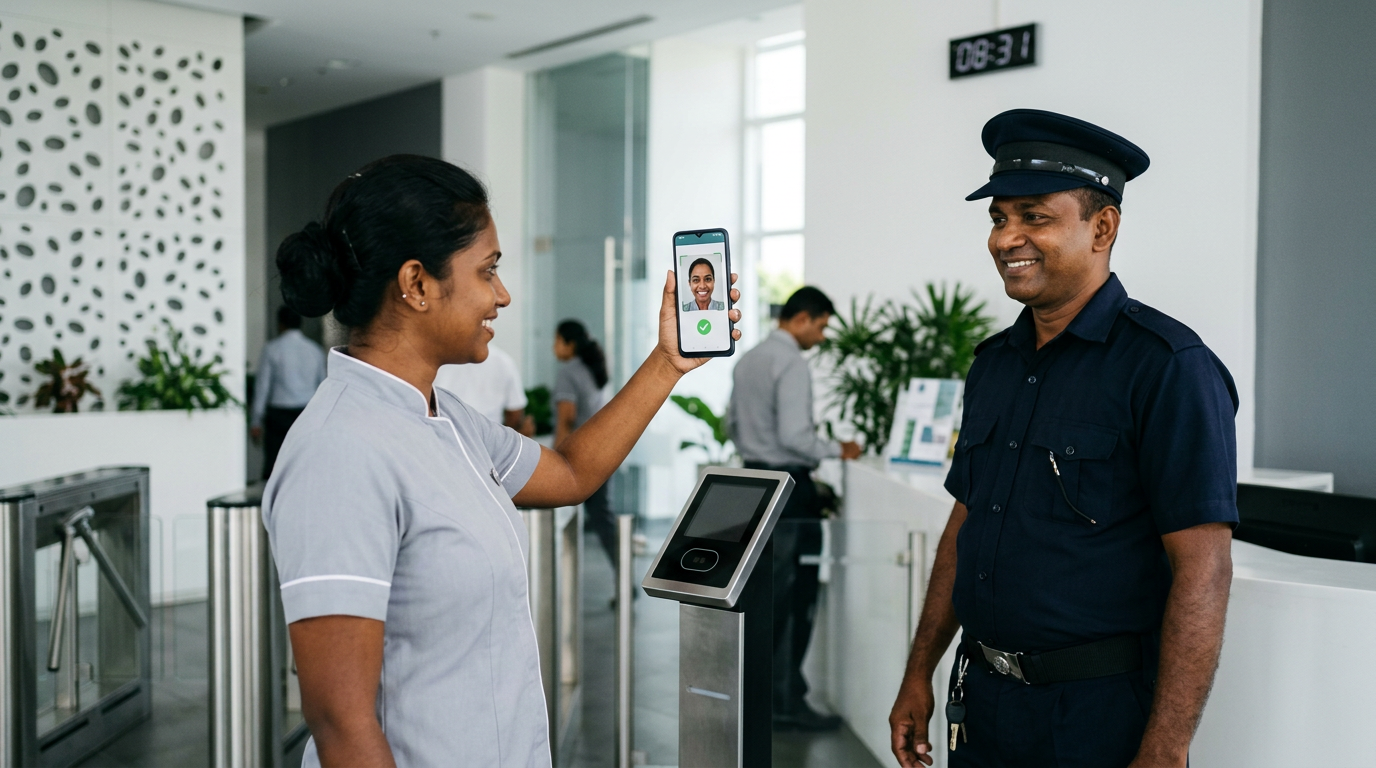
An employee marks attendance with a face-verified selfie at the site Face matched · IN 06:58 · inside the site
01

Employee Management

  • Codes, NIC/EPF, salary and the reporting person
  • One or several institutions per employee
  • Can be kept in sync with your HR system
02

Face Enrollment

  • One clear photo, taken on the site officer's phone
  • The request rings that officer's phone
  • Every later check-in is compared with it
03

Shift Management

  • Day and night shifts with grace in and out
  • Standard hours decide the overtime
  • A night shift ending next morning is one day
04

Shift Roster

  • A weekly pattern for each employee
  • One-off overrides to cover an absence
  • Wages Board costing worksheet included
05

Attendance Monitor

  • Face-verified IN and OUT, live
  • Day by day: present, late, nopay, on leave…
  • Excel and PDF exports for payroll
06

Leave Setup

  • Shop & Office and Security Wages Board types
  • Annual, casual, sick and no-pay leave, your way
  • Holiday-work rules and pay multipliers
07

Holiday Calendar

  • Public, mercantile, Poya and company holidays
  • Shared, or for one institution
  • Drives leave days and holiday overtime
08

Leave Management

  • Requested on the phone, approved by the reporting person
  • Balances, carry-forward and manual changes
  • A monthly salary estimate in one click
Attendance Monitor · day-wise rosterExample week · live
EmployeeMonTueWedThuFriSatSun
EMP-014 · Day shiftPresentLate 12 minPresentPoya OT 4 hPresentOT 1 h 30Off
EMP-027 · Night shiftPresentPresentOn leaveOn leavePresentOffWeekly holiday OT
EMP-031 · Day shiftPresentNopayPresentHolidayEarly out 20 minPresentOff
Late and early departure from the shift and its grace timeNormal, weekly holiday, mercantile and Poya day overtimeApproved leave and holidays never show as nopay
Sri Lankan leave law, built in

Leave frameworks for Shop & Office employees and Security Wages Board employees, with first-year pro-rating.

Holiday rules enforced on the phone

Work on a holiday can be allowed, limited to rostered staff, or blocked, and the employee sees why.

Payroll estimate in one click

Days worked, overtime pay, holiday pay and no-pay deductions for any employee and month.

Officer notifications

Reach every officer. Know who read it.

Send a message from the admin panel to one officer or to all of them. The phone rings and shows it full screen, even over the lock screen, until the officer taps Acknowledge. You see who received it, who read it and when.

  • Broadcast or direct. All active officers of your sites, or one.
  • Urgent mode. A looping ringtone until it is acknowledged.
  • Read receipts. Delivered, read time and how long it was viewed.
  • Never lost. An officer who is offline gets it when the phone reconnects.
  • Only your officers. Limited to the sites you manage.
  • Push-to-talk too. Event Voice for live conversations.
Book a demo
How it works

From the checkpoint to the client's inbox.

  1. 1 · Check in

    The officer starts the shift with a face-matched selfie inside the site.
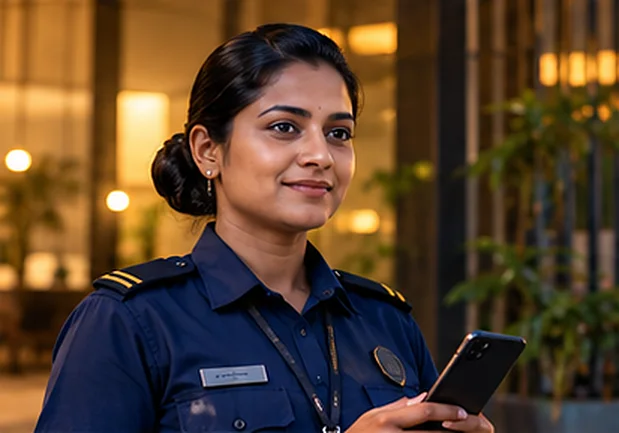
  2. 2 · Scan

    Each checkpoint is scanned on schedule. QR and GPS are verified.
  3. 3 · Monitor

    The control room sees every officer live and responds to alerts.
  4. 4 · Prove

    At 07:00 the client receives the day's verified report.

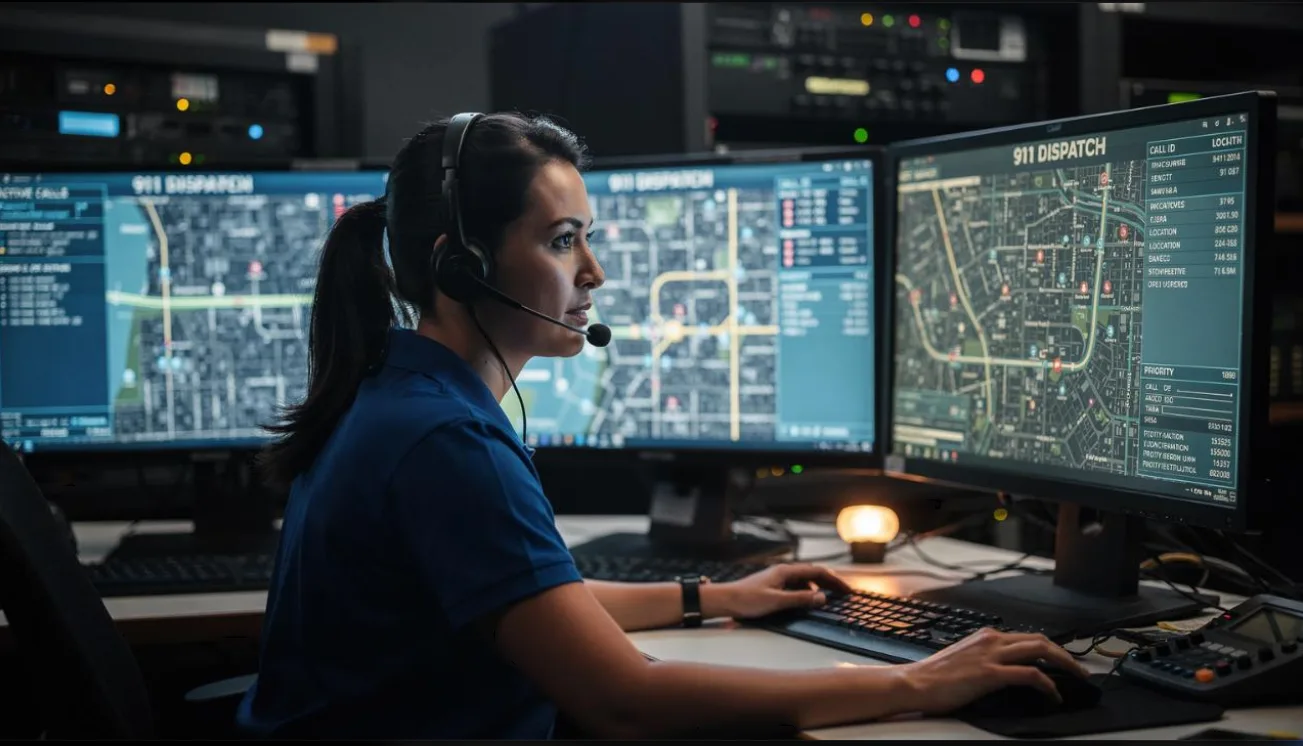
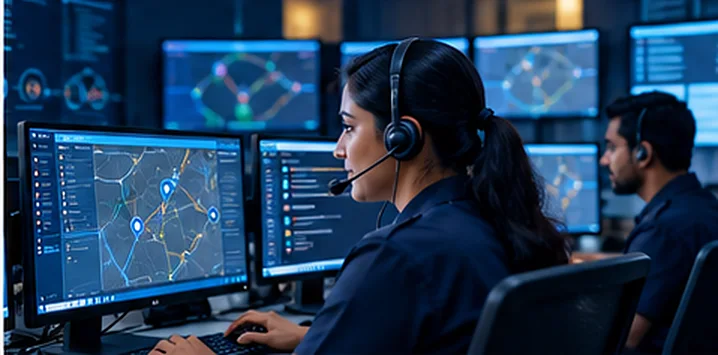
A control-room operator with a headset watches the live map on several screens 12 officers on duty · 3 sites Alert accepted · 2:40
Control room

A calm control room, even on a busy night.

  • Every officer, live

    Security officers and visiting officers on one map, in different colours and shapes. Replay any route.

  • Alerts that never get lost

    Incidents escalate in phases until someone accepts, and the response time is recorded.

  • Push-to-talk

    Event Voice connects the control room and officers instantly, from the same app.

Customer feedback

Let clients rate your service on real numbers.

EKAMA emails each client a short questionnaire together with their own performance for the period. The stars for patrols, incidents and visitors are calculated by the system from what really happened, so every review starts from facts.

  • Your questions. Star ratings, choices, yes/no and comments.
  • On a schedule. For example, the first Tuesday of every month, or send now.
  • Delivery tracked. Sent, opened and replied, with a one-click reminder.
  • Low ratings flagged the moment they arrive.
  • Analytics per client and per section, with trends and comments.
  • No login for the client. One secure link, answers kept confidential.

Patrol stars: 5★ at 95% completed or more, 4★ at 85%, 3★ at 70%. Incidents are scored on resolution and visitors on check-in.

Show me the client view
Who it's for

Built for both sides of the security contract.

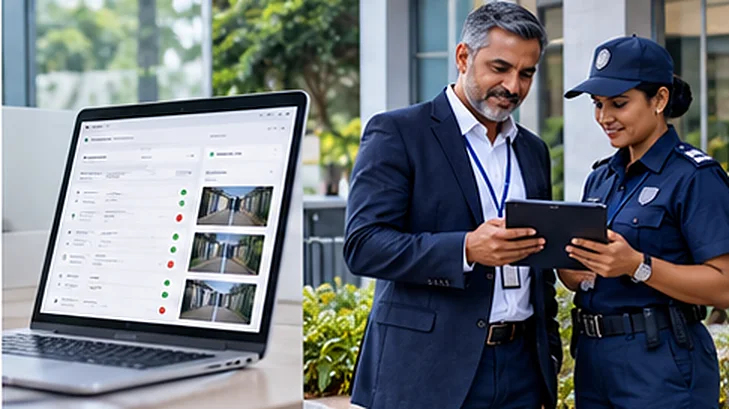
A security supervisor and an officer review a tablet together
Security service providers

Run more sites. Prove every one.

  • Know about a missed patrol before your client does
  • Win and keep contracts with daily, branded evidence
  • Supervise more sites with the same team
Book a demo
A facility manager smiles while reading her phone in a bright office
Organisations using security

See what you pay for.

  • Verified patrols, not signatures in a book
  • Measure coverage and response times, site by site
  • Evidence ready for management and auditors
Talk to us
Built-in integrity

Evidence that's hard to fake.

Rotating QR codes

Checkpoint codes change every 60 seconds. Photos of old codes don't scan.

GPS + mock-location check

Every scan is compared with the site area, and fake-GPS apps are detected.

Face verification

Shifts start with a selfie that must match the officer's enrolled face.

Access per site

Permissions per module and institution. One sign-in per username at a time.

Configured around you

Your rules, your sites, your brand.

Every company runs security differently. EKAMA is set up around the way you work, not the other way round.

Who sees what

Permissions per module and per institution. Managers, supervisors and clients each see only what you give them.

Your rules

Geofence radius and enforcement per site, shifts and grace times, leave types and holiday-work rules.

Your brand

Daily, weekly and monthly report emails and alerts go out under your company's name, to the people you choose.

Your languages

Each officer uses the app in English, Sinhala or Tamil.

Your systems

Integration Hub: alarm panels and sensors open incidents automatically, and your HR system keeps employees in sync.

Your sites

Floor plans with every checkpoint marked, and rotating QR codes at the sites that need them.

Pricing

Monthly packages for every size of operation.

Every package includes the full platform and the officers' appUpgrade at any timeInactive accounts don't count
Opening screen of the EKAMA administrator video guide 16 chapters · 22 minutes
Video guide

New to EKAMA? Watch the administrator video guide.

Short narrated chapters show the first administrator how to set up the system and get the officers patrolling.

  • Set up the Admin Panel

    Sites, QR checkpoints, users, patrol schedules, e-mail and reports.

  • The officers' app

    Install it, sign in, scan checkpoints, report incidents and mark attendance.

  • Every day

    Dashboard, live map, reports and the incident log.

Watch the guide In English, with subtitles
FAQ

Questions, answered.

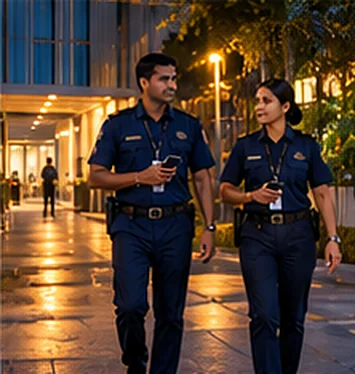
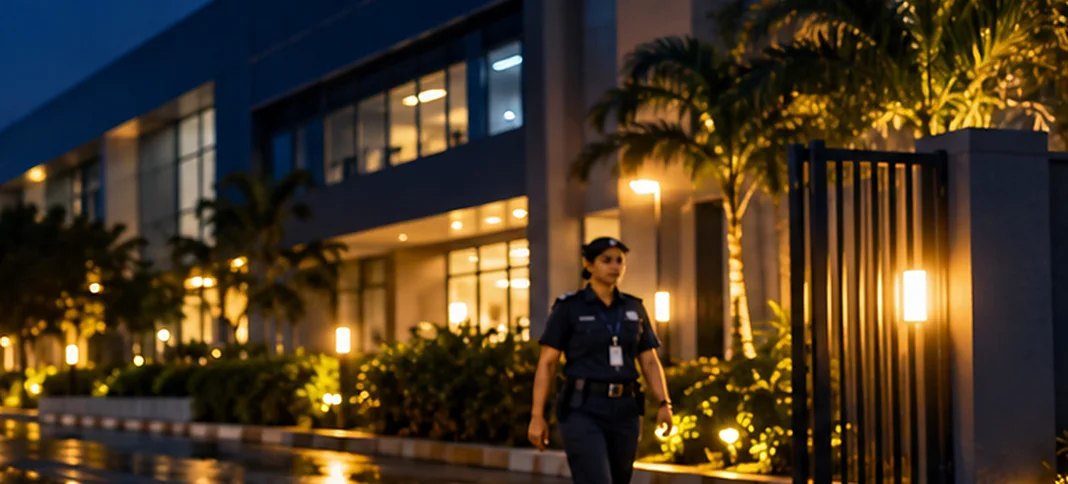
Two officers walk their patrol route at night
Ask us anything
How much does EKAMA cost?
Monthly packages, sized by client sites and active user accounts. Prices are shown in Sri Lankan rupees in Sri Lanka and in US dollars elsewhere, with an approximate amount in your own currency. The current prices are in the Pricing section above.
Does it work without mobile signal?
Yes. Scans are saved on the phone and sent when the signal returns, with the time each scan was made.
How do you stop fake GPS and fake scans?
QR codes change every 60 seconds, each scan is checked against the site's GPS area, and apps that fake a location are detected and reported.
Is there an iPhone app?
The officers' app is for Android. Managers and clients use the web admin panel in any modern browser.
Which languages are available?
The officers' app works in English, Sinhala and Tamil.
Can a client see only their own sites?
Yes. Access is given per institution and per module, so each person sees only the sites they are allowed to see.
Can visitors be pre-registered and checked in at the gate?
Yes. The visitor gets an email to confirm the visit and say how they will arrive, then receives a QR pass. Your officer scans it at the gate on the app to check them in and out and to verify the vehicle. The host is emailed at every step, and the visitor can rate the visit afterwards.
How do clients rate our service?
With Customer Feedback, each client receives a short questionnaire by email, on a schedule or when you choose, together with stars for patrols, incidents and visitors calculated from the real figures of the period. Replies, ratings and trends appear in the admin panel, and low ratings are flagged.
Can we send a message to all officers at once?
Yes. Notifications go to one officer or to all active officers of your sites. The phone rings and shows the message full screen until the officer taps Acknowledge, and you see who received and read it. Urgent messages ring until they are acknowledged.
Does attendance follow Sri Lankan leave and holiday rules?
Yes. Leave frameworks for Shop & Office and Security Wages Board employees, a holiday calendar with Poya and mercantile holidays, holiday-work rules, overtime categories and a monthly salary estimate are built in, and you can adjust them to your company.
Can EKAMA connect to our alarm panel or HR system?
Yes. The Integration Hub lets fire alarm panels, intrusion panels and sensors open incidents automatically, and keeps Employee Management in sync with an online HR system.
Can reports carry our company name?
Yes. Alerts and report emails go out under your company's name.
Get started

See EKAMA working on your own sites.

Tell us about your company. We'll set up a demo with your locations and walk you through it.
Email us directlyinfo@ekama.lk
We typically respond within 24 hours on business days

Send us a message

Your message will be sent to info@ekama.lk